Reminder
Before the booking
Reminds customers of their booking in the next 24 hours, with the day, time and court. At most one reminder a day.

From the campaign goal to the results, all in the same place where you already run the club's bookings, academy, tournaments and payments.
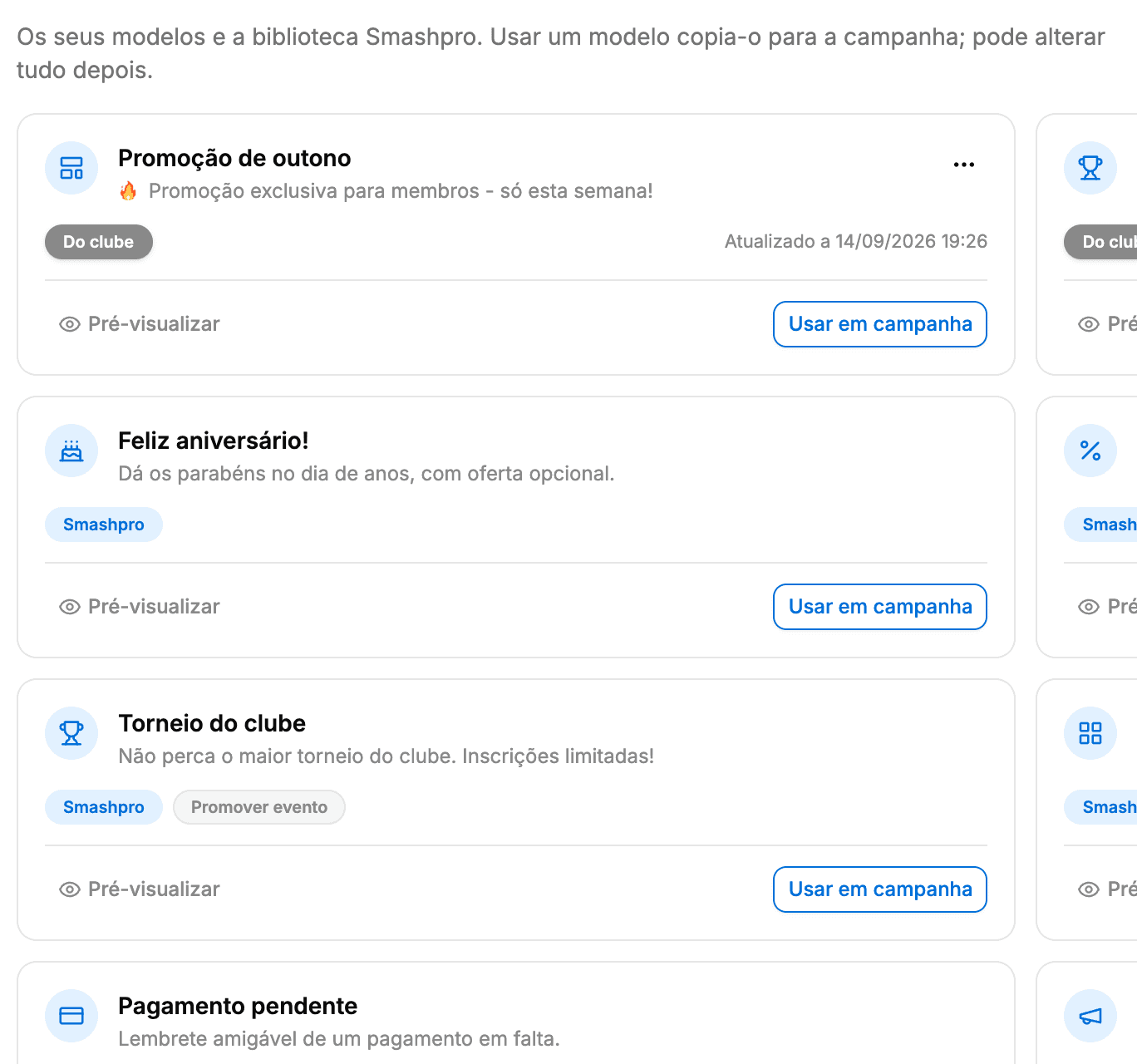
Say what you want to do: fill courts, win players back, promote a tournament, fill the academy, collect payments or share some news. It suggests the audience, the template and the subject line, and you change whatever you like.
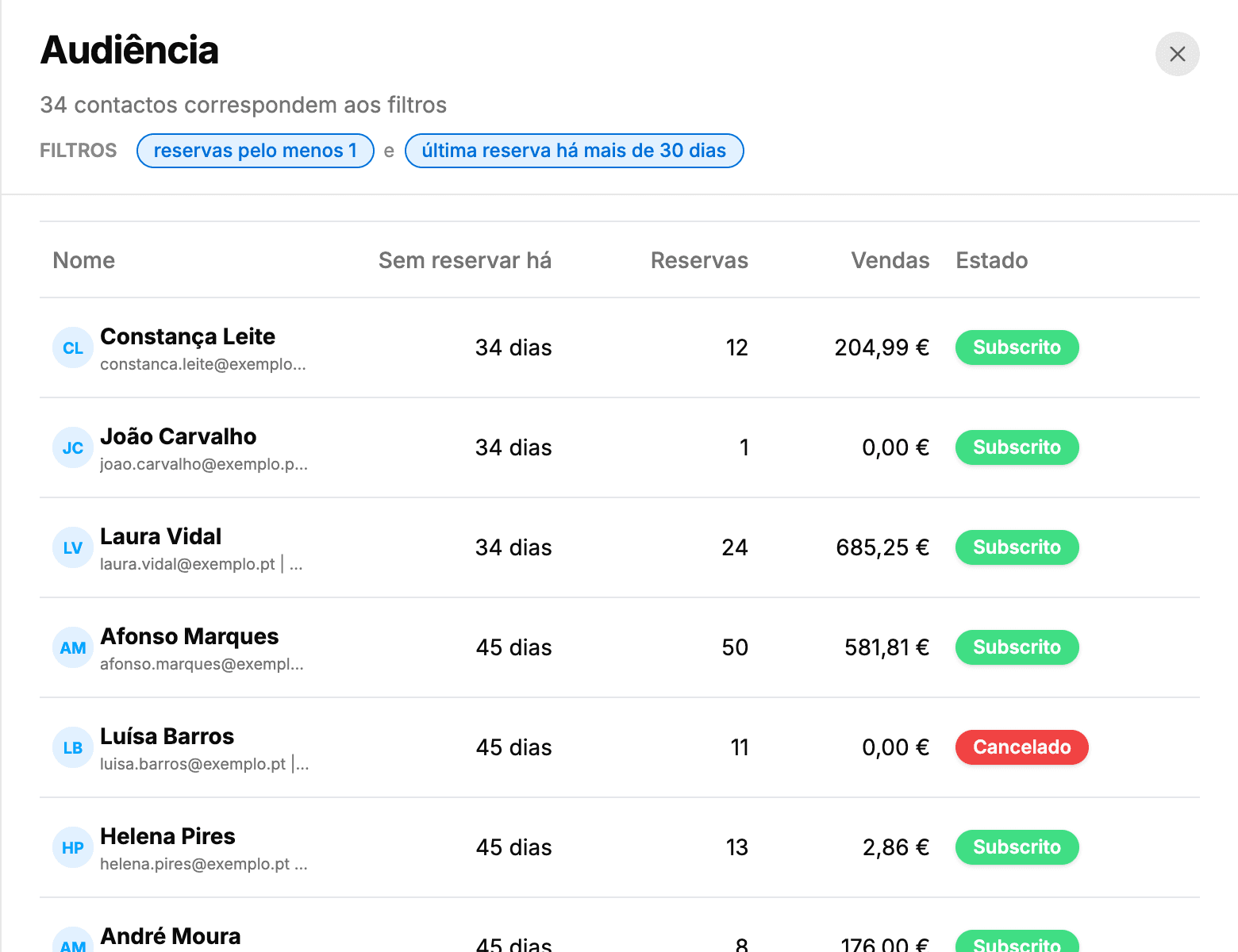
Pick a ready-made audience or combine conditions on bookings, spend, academy, tournaments and sport. The count updates with every change and tells you how many customers can actually receive the email.
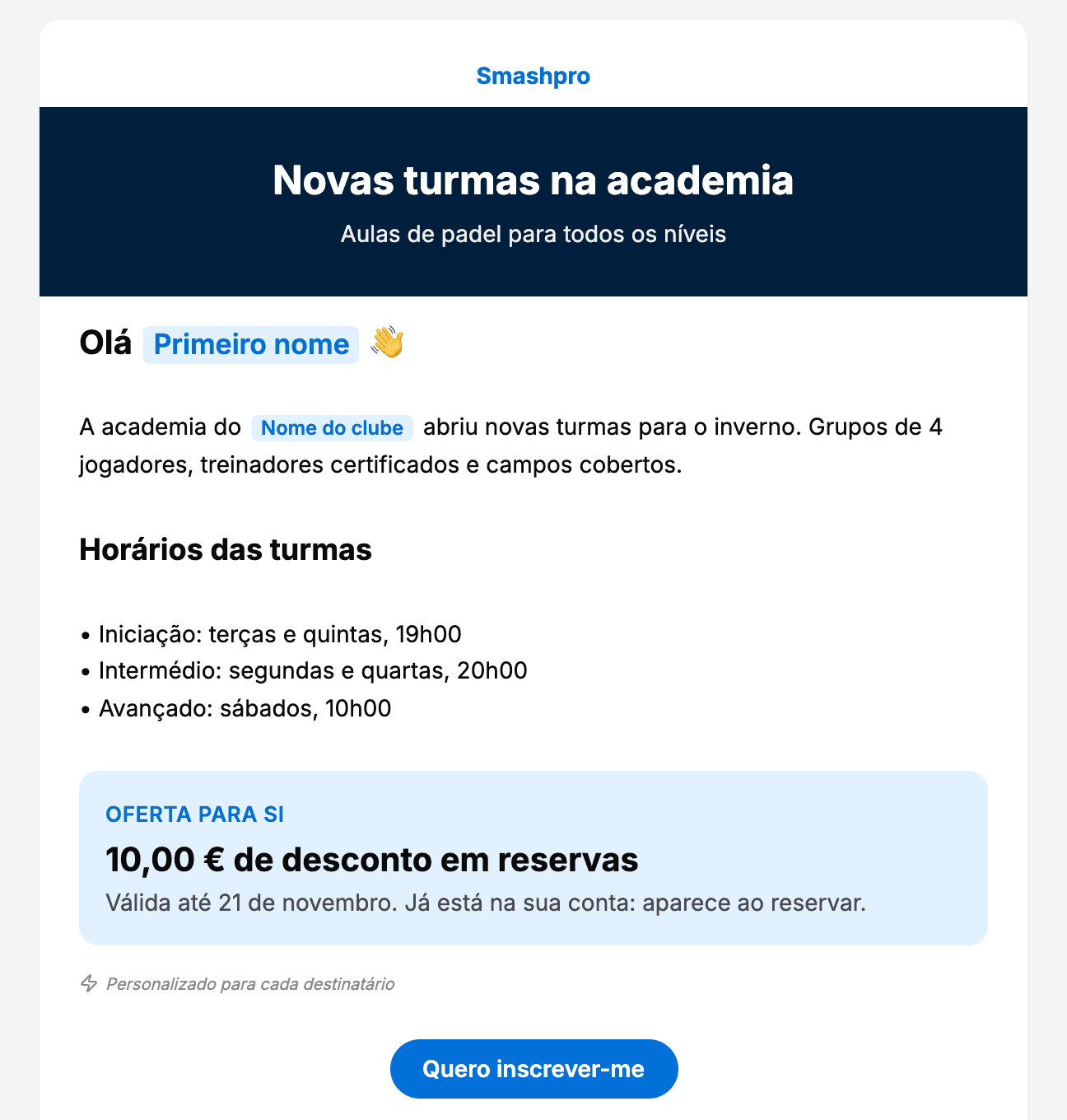
Add headings, text, images, buttons and bands in the club's colour, and drag them to reorder. Type {{ to insert the customer's first name, the club's name or the offer's value: everyone gets their own email. Preview it on desktop and mobile and send yourself a test first.
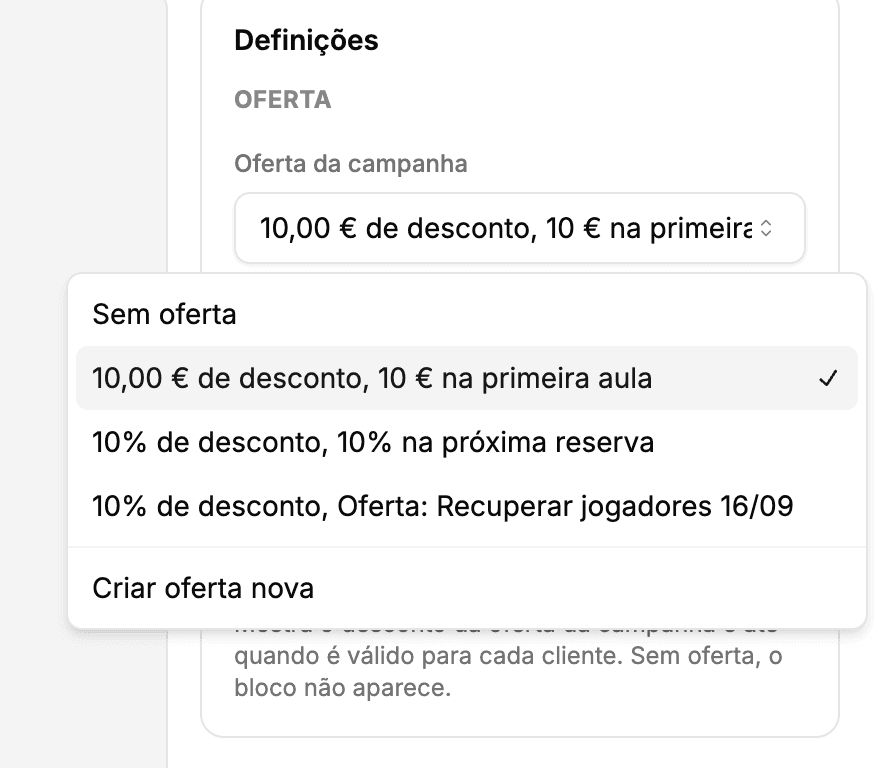
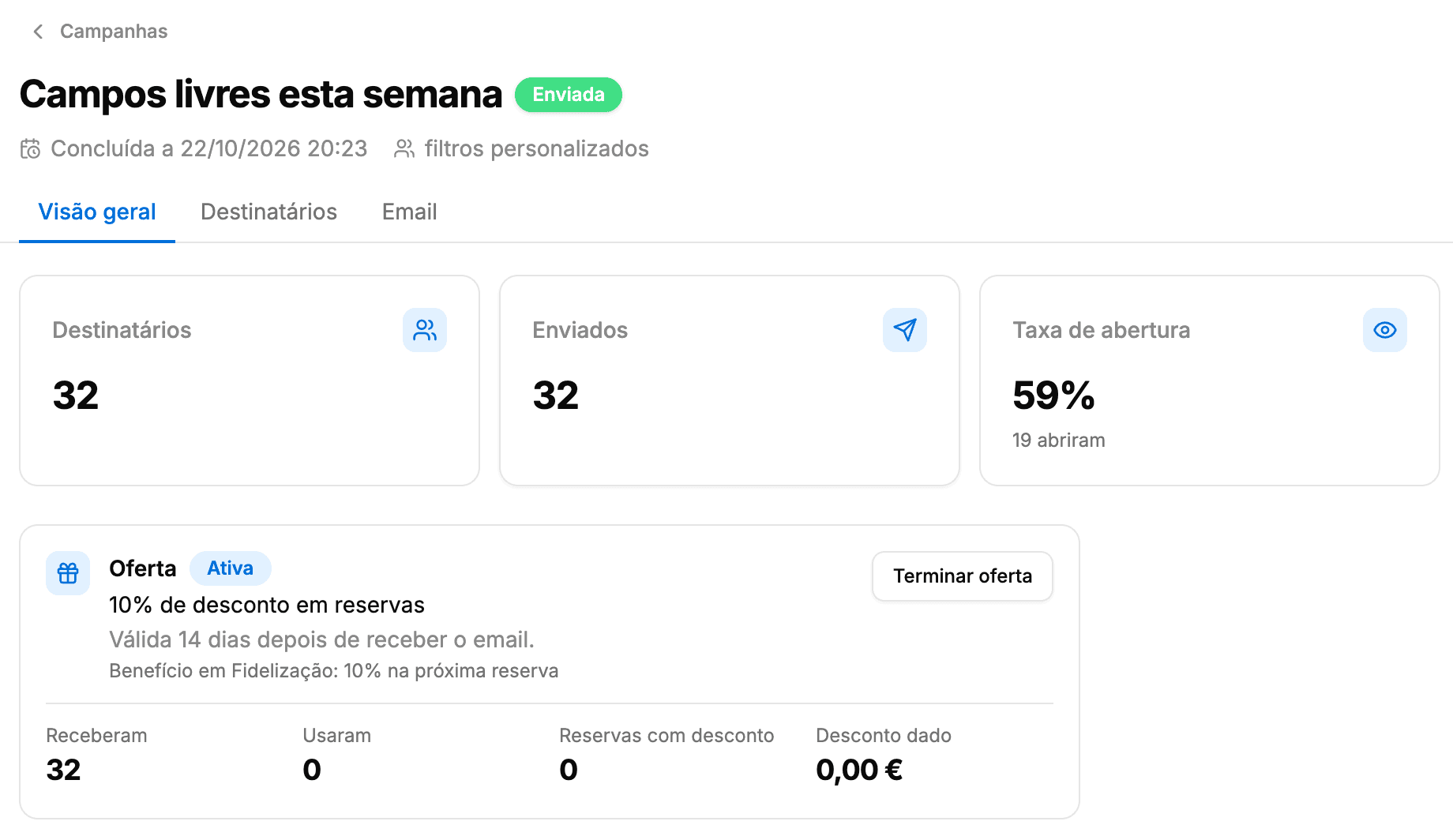
Add a discount to the email, as a percentage or in euros, with an expiry. Every customer who gets it has the discount in their account and sees it when they book. No codes to copy and nothing to check at the desk.
Before sending you review the recipients, subject, sender and cost. Send now or pick a day and time in the club's timezone. Afterwards every campaign shows how many received, opened and clicked, and who unsubscribed.
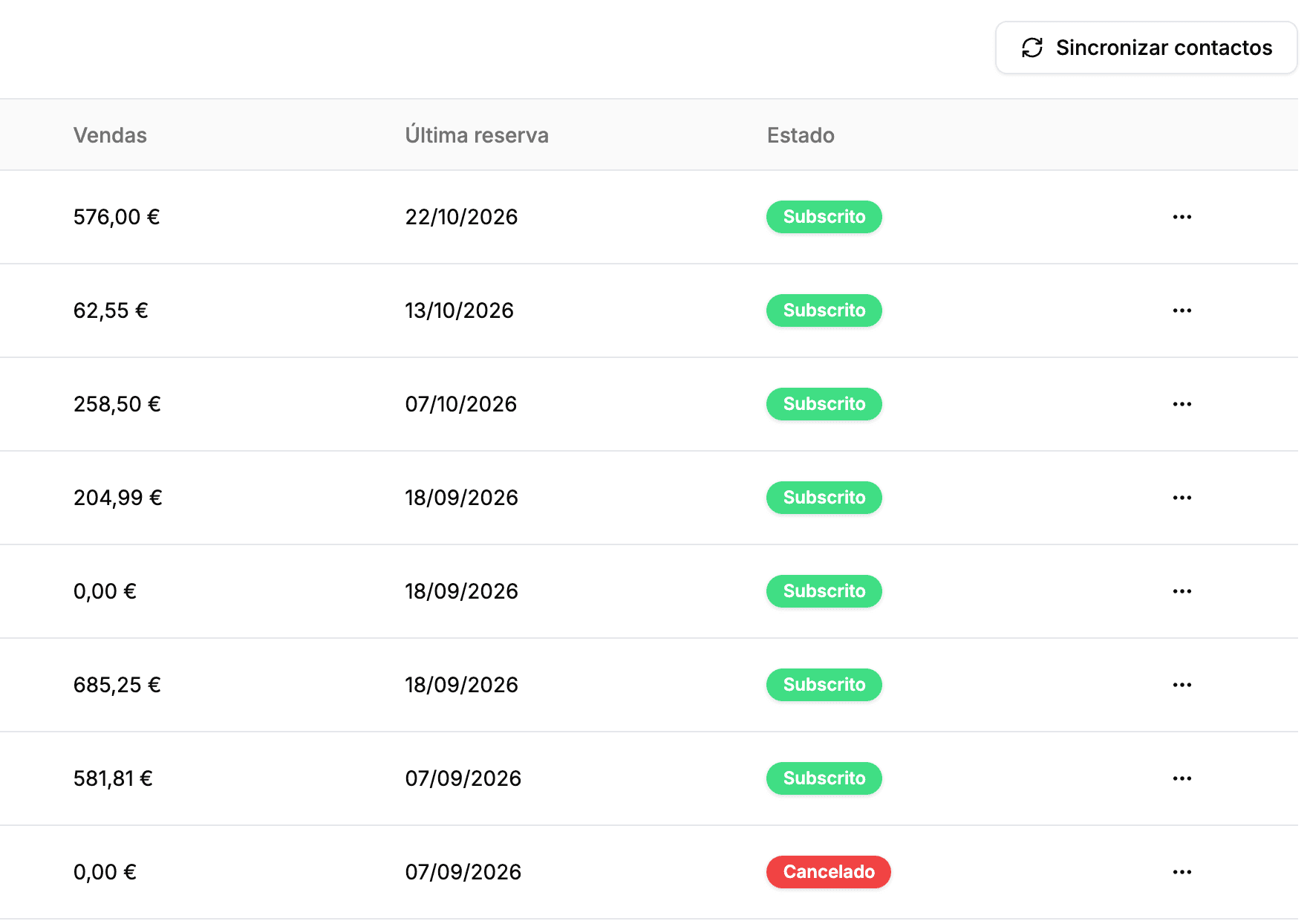
Your contacts are the club's customers with an email address: registered clients, players with bookings and guests. Each one has their own subscription status, and every email carries the links to unsubscribe and to manage preferences.
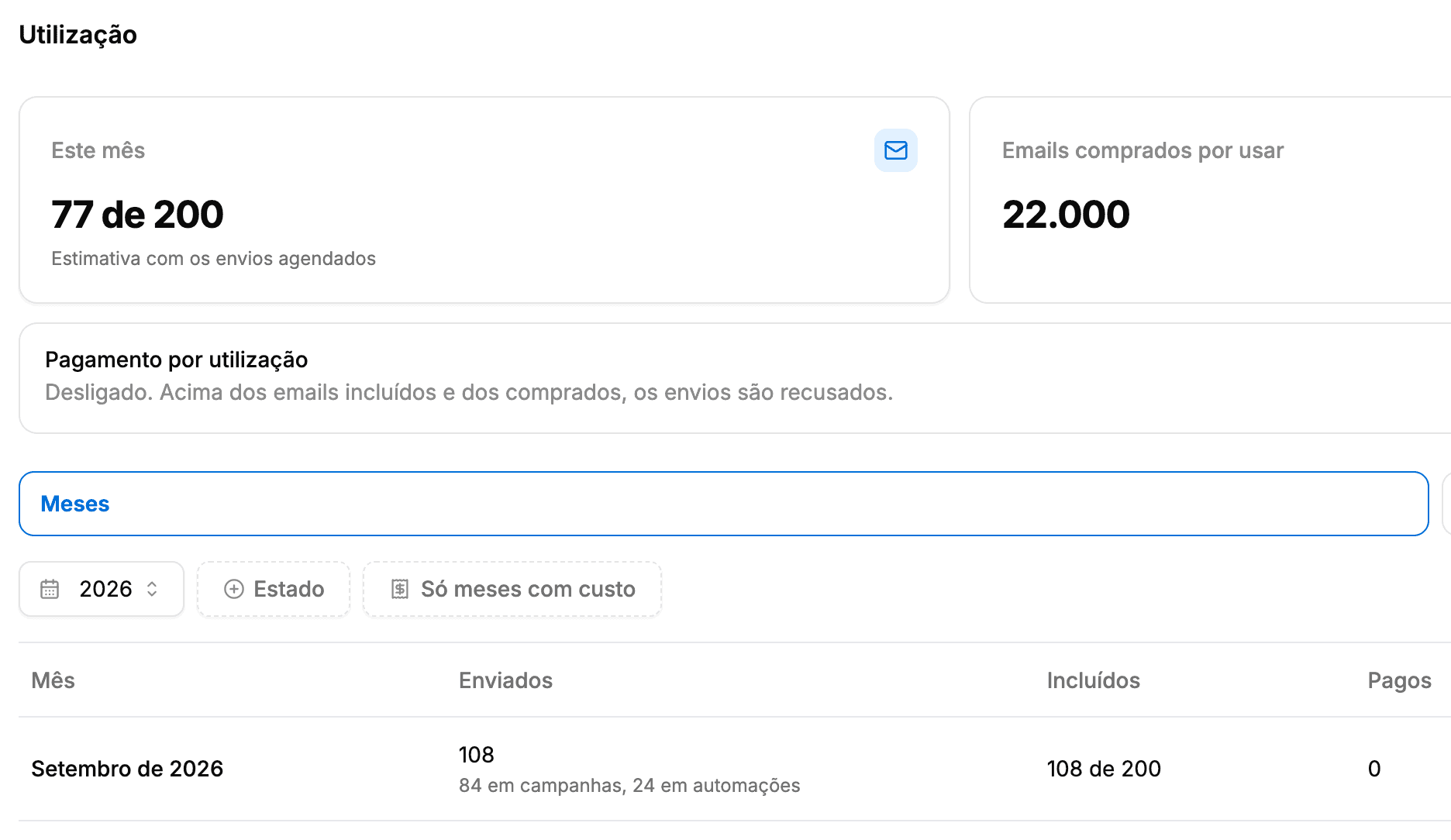
Every club gets 200 emails a month included, for campaigns and automations. If you need more, buy email packs that never expire or turn on pay as you go, charged through your plan's billing. Before each send, the campaign cost tells you what it will cost.
Turn an automation on, pick the template and the right email goes out to each customer at the right time. It runs every hour, and each automation waits its interval before writing to the same person again.
Reminder
Reminds customers of their booking in the next 24 hours, with the day, time and court. At most one reminder a day.
Reactivation
Anyone who goes the number of days you choose without booking gets an invitation to come back. At most once every six months.
3-email sequence
A first email, a discount a few days later and a last reminder. The next ones only go out while the customer still hasn't booked.
Loyalty
Customers who reach the number of bookings you set in 90 days get a thank-you with an offer. Once a quarter.
Occupancy
When courts are free in the next 24 hours, it lets your active customers know. Only between 9:00 and 19:00, at most once a week.
Celebrate
On their birthday, customers get the club's best wishes, with an offer if you like. Once a year.
Welcome
Newcomers to the club get a welcome and an invitation to make their first booking, just once.
Email marketing is part of the club management software. Audiences, blocks and offers use the data you already have, with no lists to export and no tools to connect.
Filter by number of bookings, last booking or upcoming booking, and remind every customer of their next one.
The available slots block shows this week's free times, worked out at send time, with a button to book.
Customers with pending payments see the amount due in the email, with a button to the club's page.
Offers are Loyalty benefits: they sit in the customer's account and apply when they book.
Reach students with an active subscription or pack, and players who have entered the club's tournaments.
Buttons lead to the club's page on the marketplace, where customers book in a few taps.
Nothing better than seeing for yourself! Fill in the form and we'll show you how Smashpro can transform your club's management.